September 18, 2024
  2 Min
2 Min  No Comment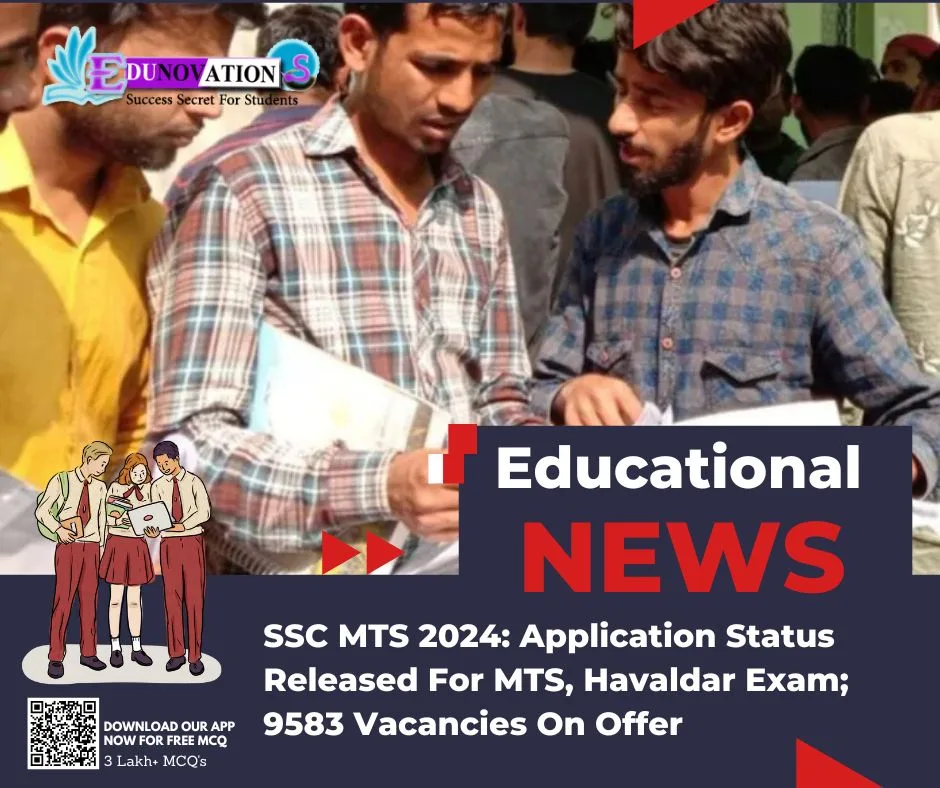
SSC MTS 2024 : The Staff Selection Commission (SSC) has issued the application status for the Multi-Tasking (Non-Technical) Staff as well as for the Havaldar (CBIC & CBN) Examination, 2024 (Tier-I). The commission has released the SSC MTS and Havaldar Exam 2024 application status before releasing the admit cards. Those who have registered for the Multi-Tasking Staff and Havaldar Examination 2024 can now access the application status links on SSC’s official regional websites.
The application status is currently accessible on the website of the SSC Eastern Region, and it is anticipated that other regional websites will shortly follow suit. According to the schedule, the Multi-Tasking (Non-Technical) Staff and Havaldar Examination 2024 will commence on September 30. The exams will conclude on November 14. The admit cards for the SSC MTS and Havaldar Exam 2024 are expected to be released in a few days.
Through this recruitment drive, SSC will fill 9,583 vacancies. Out of which, 6144 are for Multi-Tasking Staff (Non-Technical) posts and 3,439 for Havaldar posts.
SSC MTS And Havaldar Exam 2024: Here’s How To Check Application Status
Step 1: Go to the regional websites of SSC.
Step 2: On the homepage, look for and click on the SSC MTS & Havaldar Exam 2024 application status link.
Step 3: As a new window opens, candidates need to enter their login details (Registration Number and Date of Birth).
Step 4: Remember to enter the captcha code and click on ‘Check Application Status’.
Step 5: The SSC MTS and Havaldar Exam 2024 Application Status will appear on the screen.
Step 6: Check the application status and download the page.
For Educational Notes Click here
For Educational News Click here
For Previous year question paper Click here
For 3lakh+ free mcq questions with answers download the Edunovations app today