
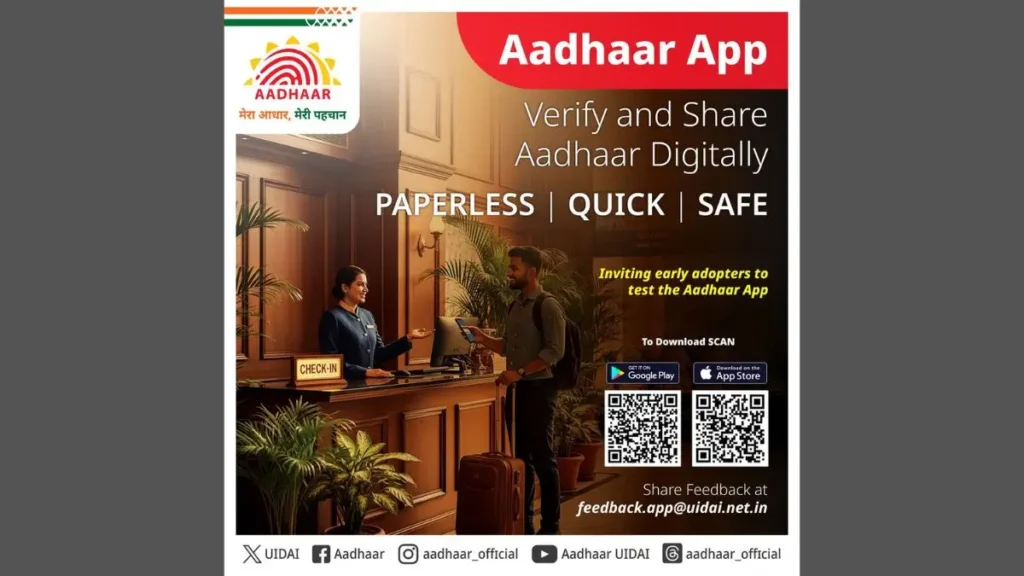
New Aadhaar app features launched by UIDAI offer secure digital identity management with face authentication, biometric lock, selective data sharing, and offline access.
UIDAI Launches New Aadhaar App: A Game-Changer in Digital Identity
The Unique Identification Authority of India (UIDAI) has rolled out a brand-new Aadhaar mobile application, now accessible on both the Google Play Store and Apple App Store. The app is currently available under an early access program, enabling users to try its features and provide feedback before a full-scale public release.
Major Features of the New Aadhaar App
- Digital Aadhaar Sharing
The app allows users to share their Aadhaar digitally — no need to carry a physical card. Sharing can be done via QR codes or as verifiable credentials, which ensures authenticity and fast verification. - Masked Aadhaar Number
To protect privacy during verification, the app masks the Aadhaar number so only a few digits are visible. This helps reduce the risk of identity misuse. - Multiple Profiles on One Device
Up to five Aadhaar profiles can be added on a single device, provided they share the same registered mobile number. This is very useful for family management. - Biometric Lock / Unlock
Users get control over their biometric data — they can lock or unlock fingerprint, face, or iris biometrics when needed, thus enhancing security. - Face Authentication
During setup, the app asks for a face scan for authentication (using AI-powered facial recognition). - Selective Data Sharing
The app gives you control over what details to share. You can choose to share just your name and photo, while hiding more sensitive information like your address or date of birth. - Offline Access & Activity Log
After setup, you can view some Aadhaar details even without internet access. The app also maintains a usage history, showing when and where Aadhaar was used for authentication.
How to Download and Set Up the New Aadhaar App
- Step 1: Go to the Google Play Store (Android) or Apple App Store (iOS) and install the official “Aadhaar” app — make sure the developer is UIDAI.
- Step 2: Open the app, pick your preferred language, and enter your 12-digit Aadhaar number.
- Step 3: Verify your mobile number using an OTP sent to the number that is registered with Aadhaar.
- Step 4: Do a face scan (or fingerprint, depending on device) for authentication.
- Step 5: Add your Aadhaar profile(s) into the app.
- Step 6: Set a 6-digit PIN to secure access to your profile.
Once the setup is done, you can access your Aadhaar info, generate a QR code, share verifiable credentials, and manage biometric locking.
Benefits of the New Aadhaar App: What It Means for You
- Paperless Identity Verification: Ideal for banking KYC, school admissions, passport services, or government schemes — no need to carry a physical Aadhaar card.
- Enhanced Privacy: Since you control what details to share, personal data risk is significantly reduced.
- Secure Biometric Control: Lock and unlock your biometric data at will, which helps prevent unauthorized use.
- Family Identity Management: With up to five profiles supported, guardians or parents can manage the Aadhaar profiles of children.
- Accessible Even Offline: Some features like viewing your Aadhaar are usable without internet — helpful in low-connectivity areas
UIDAI is encouraging early users to provide feedback via the app or by writing to feedback.app@uidai.net.in, which will help refine features before a full national rollout.

Why This News Is Important
For Government Exam Aspirants
This launch is highly relevant for students preparing for banking exams, railway recruitment, civil services (like UPSC/PSC), defence, and police services because Aadhaar is a core identity proof across many government processes. The digital app simplifies verification, which is often a key step in application and background checks.
Enhancing Security & Privacy
With the new app’s biometric locking, face authentication, and selective sharing, users gain much more control over their identity. This aligns with India’s push toward secure digital governance, which is likely to be of interest in exam topics related to Digital India, cybersecurity, and data protection.
Encouraging Paperless Government Services
The app supports paperless Aadhaar verification, which can reduce administrative burden in public services. For students aiming at public sector job roles (e.g., banking or government) where documentation is critical, this is a major shift: fewer physical document dependencies, faster processes, and potentially fewer verification delays.
Historical Context: The Evolution of Aadhaar and Its Digital Journey
- Birth of Aadhaar (2009): The Aadhaar program was initiated by the Indian government as a foundational identity system to provide a unique, universal identity to all residents.
- Earlier Apps – mAadhaar: UIDAI had launched the mAadhaar app several years ago, enabling users to carry a digital version of their Aadhaar and perform basic functions like QR-code sharing, PDF download, and locking biometric data.
- Growing Need for Privacy and Digital Control: Over time, concerns around data privacy, unauthorized sharing, and identity misuse grew. UIDAI has responded by progressively adding more secure features, leading up to face-based authentication and selective-sharing capabilities in the new app.
- Digital India & e-KYC Push: The Indian government’s Digital India initiative and push for electronic KYC (e-KYC) made Aadhaar even more central to digital identity verification for services across banking, telecom, government subsidies, and more.
- Regulatory Focus on Identity Security: With the increasing usage of Aadhaar for essential services, regulators and UIDAI have emphasized user control, minimal disclosure, and strong authentication, which is clearly reflected in the design of this new app.
Key Takeaways from This News
| # | Key Takeaway |
|---|---|
| 1 | UIDAI has launched a new Aadhaar mobile app (early access) for secure digital ID management. |
| 2 | Users can share Aadhaar digitally via QR codes or verifiable credentials, without showing the physical card. |
| 3 | The app supports face authentication and biometric locking/unlocking to enhance security. |
| 4 | You can add up to five Aadhaar profiles on a single device if they are linked to the same registered mobile number. |
| 5 | Users have full control over their data — they can choose what to share and can view activity logs, and enjoy offline access for viewing Aadhaar. |
FAQs: Frequently Asked Questions
1. What is the purpose of the new Aadhaar app launched by UIDAI?
The new Aadhaar app aims to provide a more secure, user-friendly, and privacy-focused digital identity management platform. It allows users to access Aadhaar details, share verifiable credentials, manage biometrics, and use offline features.
2. Is the new Aadhaar app different from the old mAadhaar app?
Yes. The new app is redesigned with modern UI, enhanced security features like face authentication, selective data sharing, activity logs, and multi-profile management. It is more advanced than the older mAadhaar version.
3. Can Aadhaar be used offline through the new app?
Yes. After initial setup, users can view some of their Aadhaar details offline, making the app useful in low-connectivity regions.
4. How many Aadhaar profiles can be added in the new app?
Up to five Aadhaar profiles can be added on a single device, provided they are all linked with the same mobile number.
5. What is selective data sharing in the Aadhaar app?
Selective data sharing allows users to only share necessary details (such as name and photo) while keeping sensitive data like address and date of birth hidden. This strengthens privacy.
6. What security features are included in the app?
Major security features include face authentication, biometric locking/unlocking, secure PIN protection, masked Aadhaar, offline QR code sharing, and digital verifiable credentials.
7. Can I share my Aadhaar digitally without showing the physical card?
Yes. The app allows Aadhaar sharing via verifiable credentials or QR codes, which can be used for KYC or identity verification.
8. Is the app available for both Android and iOS users?
Yes. UIDAI has released the app on the Google Play Store and Apple App Store under early access.
9. Is the Aadhaar number visible in the app?
A masked version of the Aadhaar number is shown to protect user privacy. Only the last four digits are visible.
10. What exams can ask questions based on this update?
This topic is relevant for UPSC, State PSCs, Banking exams, Railways, SSC, Defence exams, Police recruitment, Teaching exams (TET), and other government competitive exams.
Some Important Current Affairs Links

